Top 12 Best Mindfulness Apps for Teens in 2025: A Parent’s Guide
In an era of constant connection, the pressures on teenagers are immense. From academic stress and social dynamics to the relentless scroll of social media, finding a quiet moment is harder than ever. This is where mindfulness can make a profound difference, offering tools to build resilience, manage anxiety, and improve focus. But with countless applications available, how do you choose the right one?
This guide cuts through the noise to provide a deep dive into the best mindfulness apps for teens, moving beyond marketing claims to offer real-world insights. We created this comprehensive resource to help parents and teens collaboratively find a tool that genuinely supports mental well-being, rather than adding to screen-time stress.
Inside, you will find detailed, age-appropriate reviews of top-tier apps available on the Apple App Store and Google Play Store, including Headspace, Calm, and Smiling Mind. We analyze what each app does best, with clear categories for anxiety, sleep, and focus. Each review includes:
- Honest pros and cons from a usage perspective.
- Clear breakdowns of pricing and free features.
- Critical notes on privacy and parental controls.
- A quick comparison matrix to help you decide.
We provide screenshots, direct links, and practical usage tips to make your selection process simple and effective. We’ll also touch on how specialized tools can complement general mindfulness. For instance, beyond the apps on our main list, specific resources like the Inflow ADHD App offer targeted support for teens managing ADHD symptoms, demonstrating the breadth of digital wellness aids available. Our goal is to equip you with the information needed to select an app that becomes a trusted part of your teen’s wellness toolkit.
1. Apple App Store
For families with iPhones or iPads, the Apple App Store is the essential first stop for finding and managing mindfulness apps for teens. It’s not an app itself but rather the official marketplace where you can discover, evaluate, and download leading options like Calm, Headspace, and Smiling Mind. The platform's real value lies in its structured, secure environment that gives parents significant oversight and helps teens make informed choices.
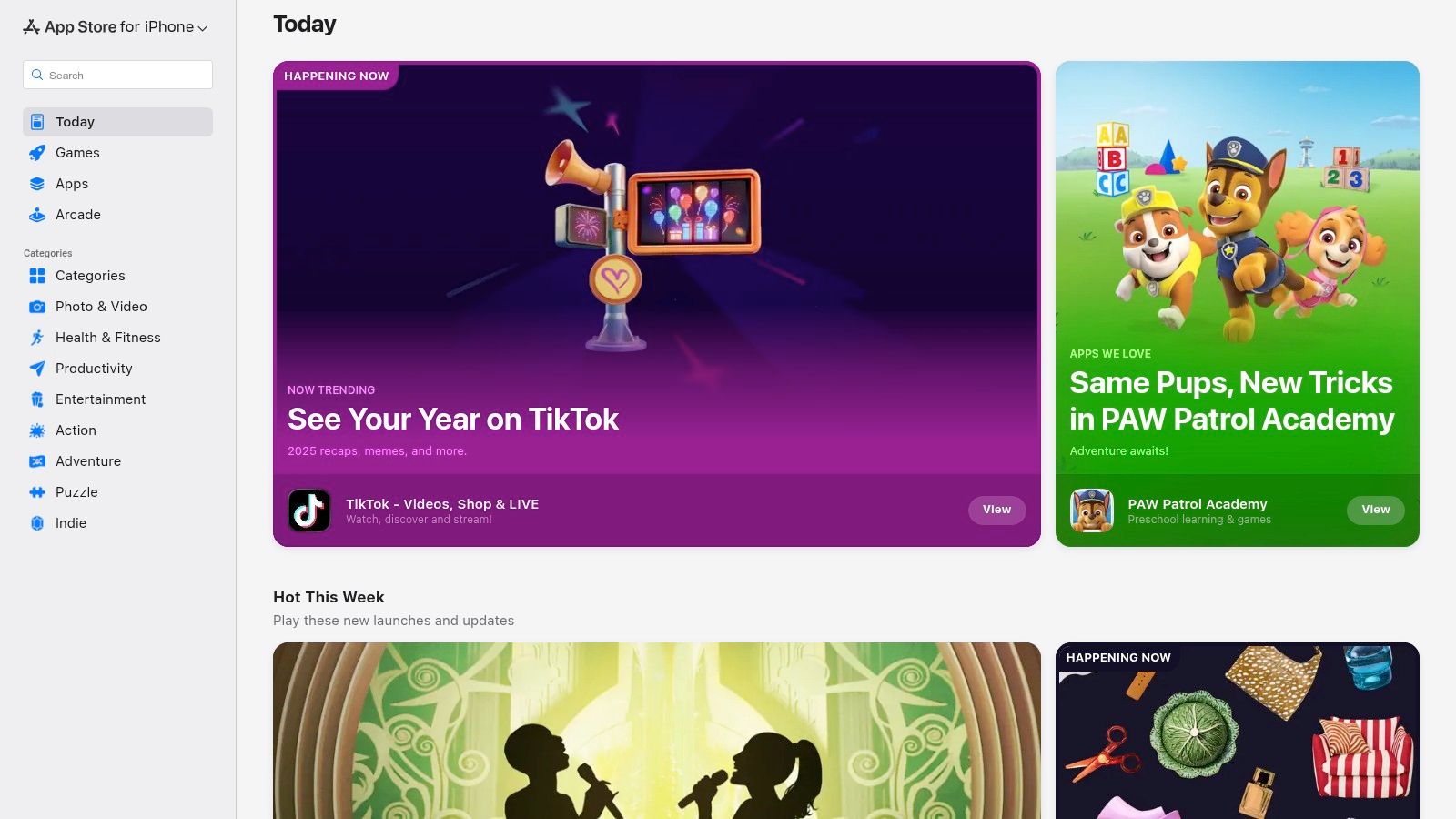
Each app page provides a transparent overview, including a clear age rating (e.g., 4+, 12+), detailed descriptions of in-app purchases, and user reviews. This transparency helps you avoid surprise charges and select an app that is genuinely appropriate for your teen's maturity level. Its centralized system simplifies subscription management and billing, which is a major advantage over dealing with multiple websites and payment methods.
Key Features & Parental Controls
The App Store excels with its built-in parental controls. Features like Family Sharing and Ask to Buy require a parent to approve any purchase or download a teen initiates, preventing unwanted spending. Furthermore, Screen Time settings can be used to set limits on app usage, helping teens build a balanced digital routine. The platform’s robust security protocols and trusted payment system offer peace of mind when exploring new apps. This ecosystem of controls is a key reason why many families choose Apple devices and is a useful tool when exploring the world of digital wellness.
Pros & Cons:
- Pros: Huge selection of vetted apps, clear age ratings, and robust parental controls. Centralized billing and subscription management simplify oversight.
- Cons: Exclusive to iOS devices, so it's not an option for Android users. Navigating different subscription tiers within an app can sometimes be confusing.
Website: https://apps.apple.com/us/
2. Google Play Store
For Android users, the Google Play Store is the go-to digital marketplace for discovering mindfulness apps for teens. It functions as the central hub for Android-powered devices, including the many smartphones and Chromebooks that teens use daily. It offers a massive selection of popular wellness apps like Headspace, Calm, and Insight Timer, making it an essential resource for families outside the Apple ecosystem. The platform’s value is in its wide device compatibility and user-friendly interface that simplifies finding and installing apps.
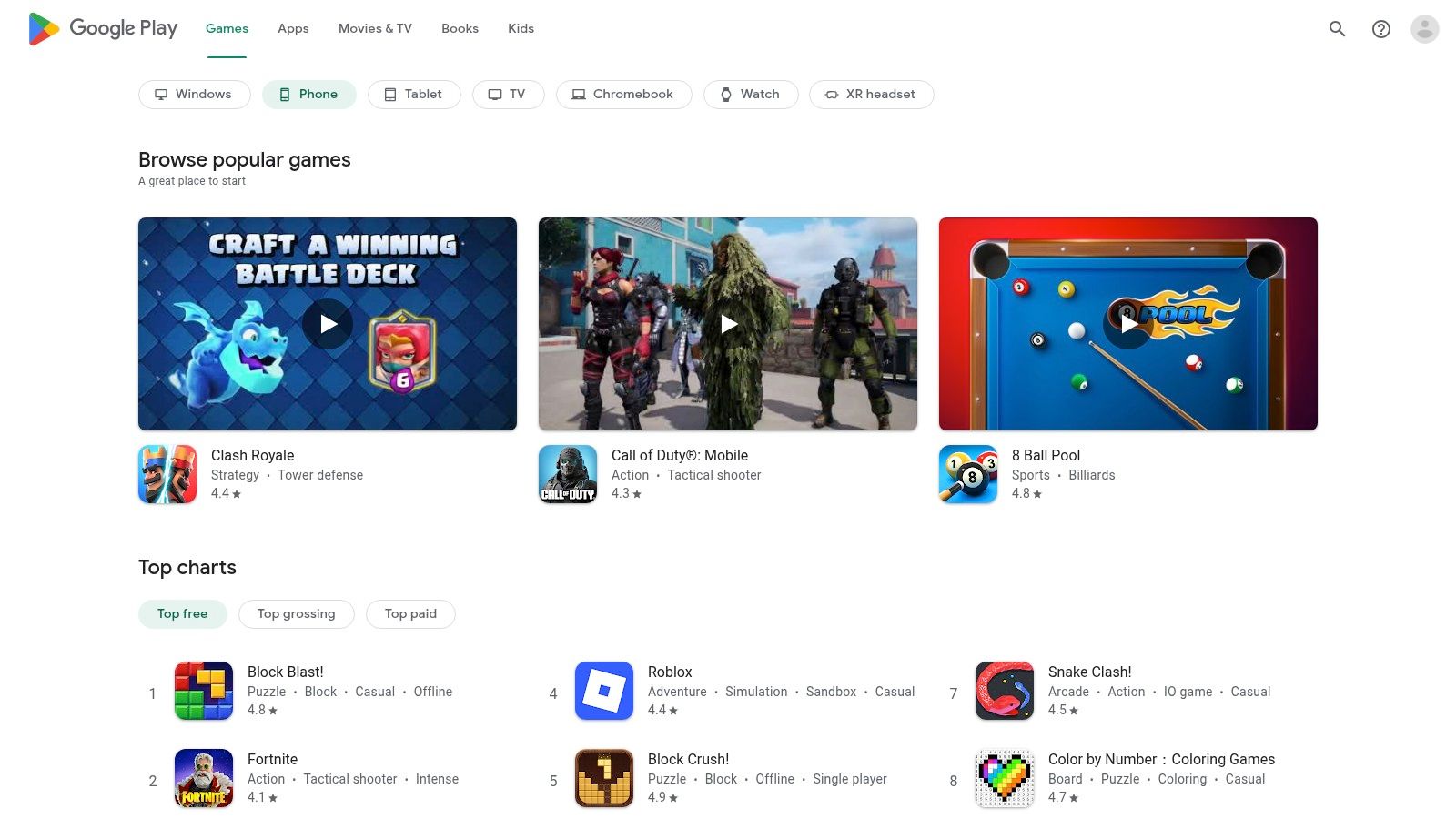
Each app listing provides key details, including user ratings, developer information, and update histories. A standout feature is the "Data safety" section, which offers a transparent look at how an app collects and shares user data, a crucial factor for privacy-conscious families. This, combined with clear pricing and subscription terms tied to your Google account, helps you make informed decisions and manage spending effectively.
Key Features & Parental Controls
The Google Play Store integrates seamlessly with Google Family Link, its native parental control suite. Family Link allows parents to set screen time limits, approve or block app downloads, and manage in-app purchases directly from their own device. This gives parents powerful tools to guide their teen's digital wellness journey and prevent unauthorized spending. The store's broad compatibility ensures that whether your teen uses a phone, tablet, or school-issued Chromebook, you can find and manage suitable mindfulness apps with ease.
Pros & Cons:
- Pros: Huge catalog of apps compatible with all Android devices. Strong parental controls via Family Link and transparent data safety information.
- Cons: App quality can be inconsistent, requiring careful vetting. Auto-renewing subscriptions are tied to the Google account and require manual management.
Website: https://play.google.com/store
3. Headspace (Headspace for Teens)
As one of the most recognized mindfulness apps, Headspace offers a polished, dedicated experience specifically designed for younger users. Headspace for Teens provides guided meditations, structured courses, and simple habit-building exercises tailored to the unique stressors teens face, such as exam anxiety, social pressures, and sleep difficulties. Its beginner-friendly approach makes it an excellent starting point for those new to mindfulness.
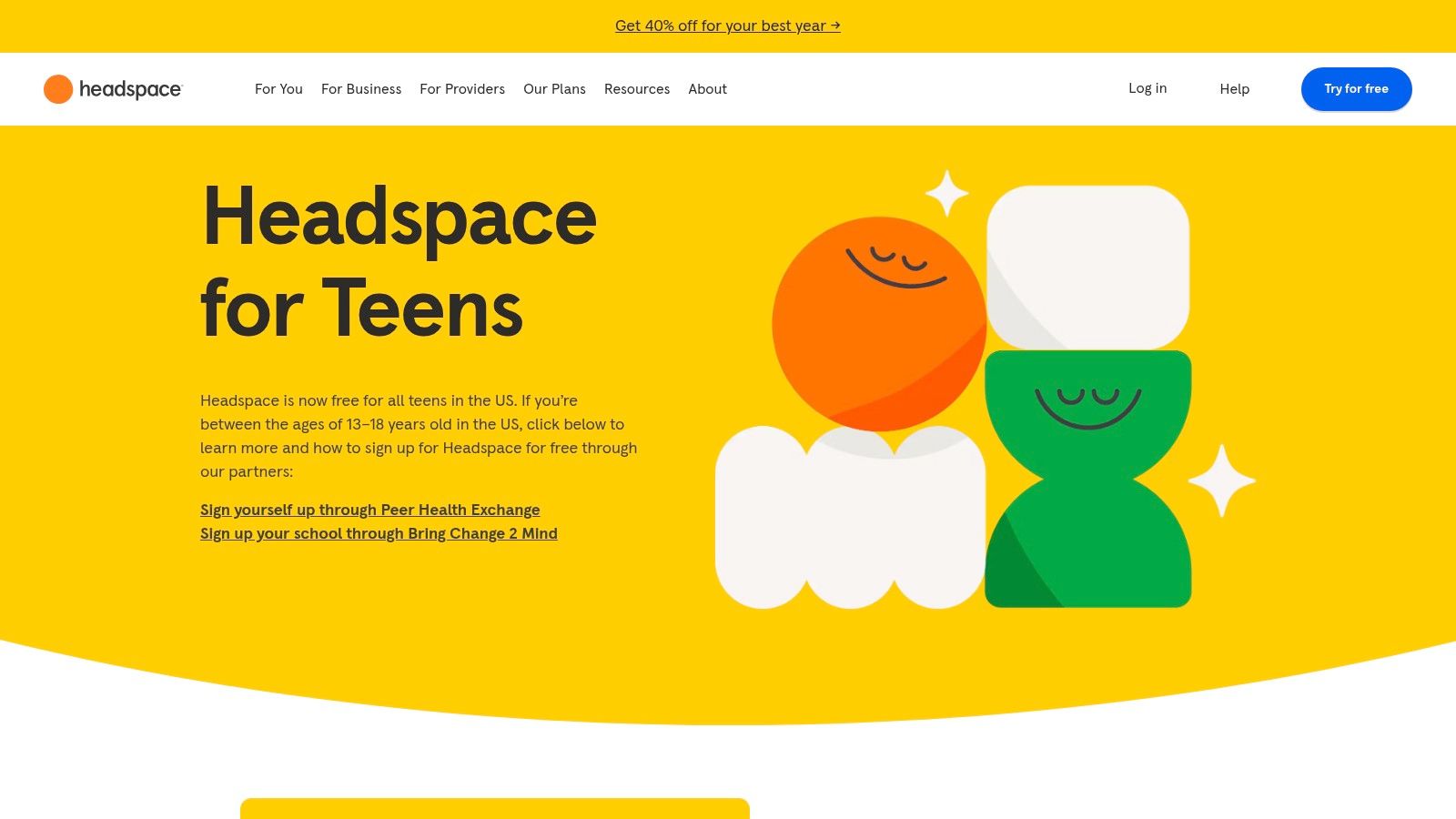
The platform stands out due to its initiative to make premium content accessible. In the US, Headspace partners with nonprofit organizations to offer free access to teens aged 13–18, removing the financial barrier that can limit access to high-quality wellness tools. While consumer plans require a subscription after a trial, this program highlights the company's commitment to youth mental health.
Key Features & Accessibility
Headspace excels with its structured, course-based content that helps teens build a consistent practice. Meditations cover relevant topics like Focus, Leaving the House, and Dealing with Conflict. The app's user-friendly interface and engaging animations make the experience feel approachable rather than clinical, which is a major plus for engaging this age group.
The platform offers multiple access plans, including student and family subscriptions, but the free teen program in the US is its most compelling feature for this audience. It's important to note that while the app has therapy and coaching add-ons, these services are restricted to users 18 and older, ensuring teens only access the age-appropriate mindfulness content.
Pros & Cons:
- Pros: Highly polished, beginner-friendly content and strong habit-building design. Free access is available for US teens through nonprofit partner organizations.
- Cons: Full content requires a subscription outside the partner program. Advanced therapy and coaching features are only available to adults (18+).
Website: https://www.headspace.com/teens
4. Calm
Calm is one of the most popular mindfulness apps for teens and adults, known for its extensive library of guided meditations, soothing music, and its famous Sleep Stories. The platform's website serves as a central hub where families can explore the full content catalog, manage subscriptions, and access the web player. Its polished interface and high-quality production make it an inviting entry point for teens who may be new to or skeptical of mindfulness practices.
Unlike app marketplaces, Calm.com provides direct access to its own ecosystem. The website clearly outlines its subscription options, including monthly, annual, and occasional lifetime plans, offering transparency that helps parents make an informed purchase. The vast library is well-organized, with dedicated sections for sleep, meditation, music, and wisdom, making it easy for teens to find content that addresses specific needs like anxiety, focus, or stress relief before bed.
Key Features & Content Library
Calm's strength lies in its diverse and high-quality content. The Daily Calm offers a new 10-minute guided meditation each day, creating a simple, consistent routine. For teens struggling with sleep, the Sleep Stories library, often narrated by famous voices, provides a gentle way to wind down. The platform also features breathing exercises, soundscapes, and targeted meditation series for beginners and experienced users alike, all accessible across multiple devices. This ensures a teen can start a session on a laptop and continue on their phone.
Pros & Cons:
- Pros: Exceptional sleep and relaxation content ideal for anxious teens. The content catalog is extensive, polished, and easy to navigate.
- Cons: Full access to the best content requires a paid subscription. Some smart speaker integrations can be limited or unsupported.
Website: https://www.calm.com
5. Insight Timer
For teens and families looking for the widest possible variety without an immediate subscription commitment, Insight Timer is an unmatched resource. It functions like a massive, open library, offering over 250,000 free guided meditations, talks, and music tracks. Its sheer volume makes it one of the best mindfulness apps for teens who want to explore different styles, teachers, and techniques to find what truly resonates with them.
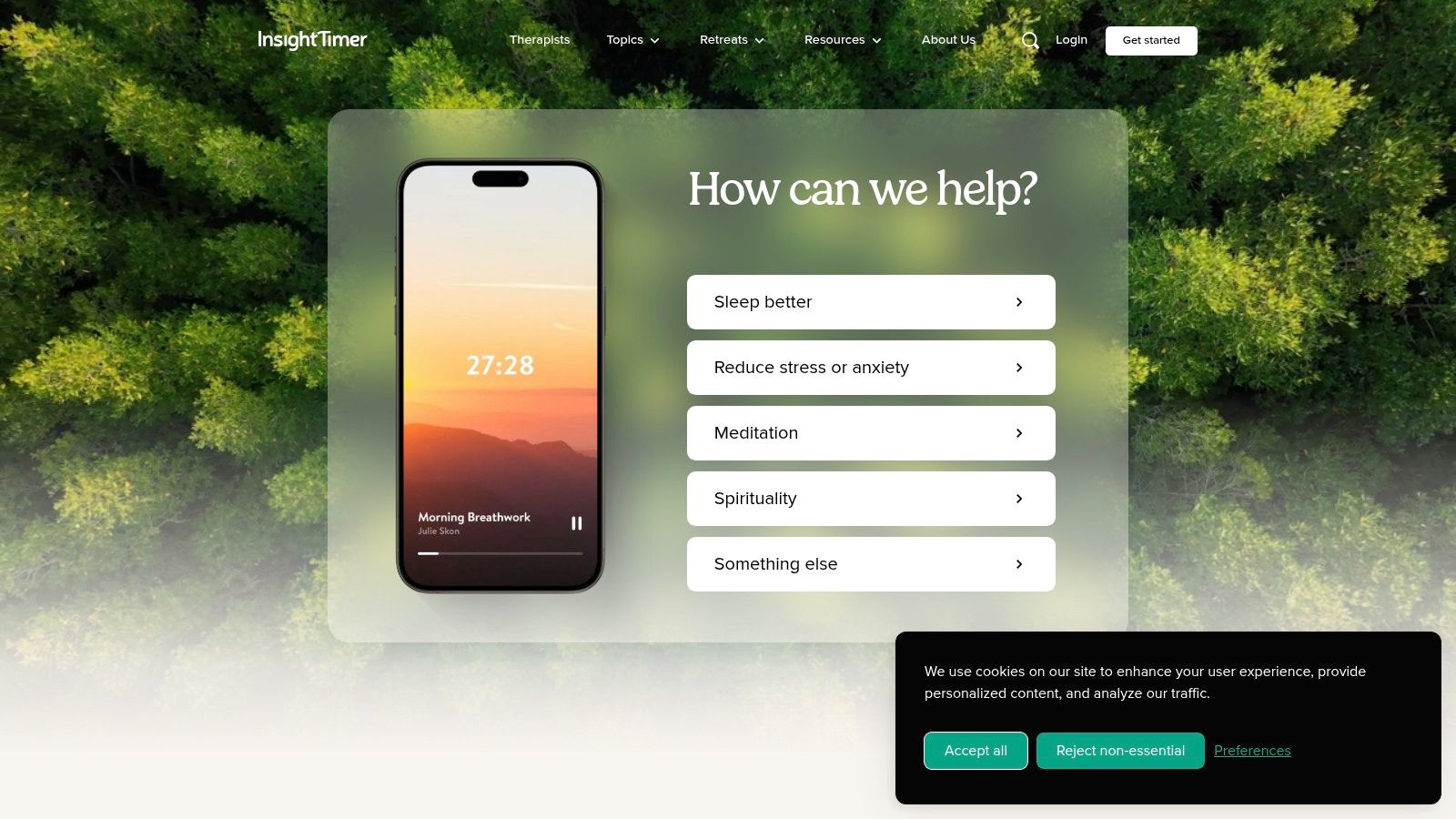
The platform is built on a community-driven model, featuring content from thousands of instructors worldwide. Teens can easily filter for sessions tagged specifically for them, addressing common challenges like exam stress, social anxiety, and sleep. While the core library is free, an optional "MemberPlus" subscription unlocks premium courses, offline listening, and advanced player controls. This freemium approach provides incredible value upfront, allowing teens to build a solid practice before considering any paid features.
Key Features & Parental Controls
Insight Timer's standout feature is its vast free library, which is far more extensive than what most competitors offer. Teens can use the simple meditation timer for unguided practice or join community groups and live events to connect with others. The app integrates with Apple Health on iOS devices to help track Mindful Minutes. However, parental controls are limited within the app itself; oversight relies on managing the subscription through the App Store or Google Play and having open conversations about screen time and content choices, which aligns with modern holistic wellness trends for balancing the mind.
Pros & Cons:
- Pros: The largest selection of free meditations available, allowing teens to try many styles. Great for targeted, short practices for focus, sleep, or pre-game nerves.
- Cons: The user experience can sometimes feel cluttered due to frequent updates and occasional bugs. The auto-renew subscription model requires careful management to avoid unintended charges.
Website: https://insighttimer.com
6. Smiling Mind
Developed by psychologists and educators, Smiling Mind is a standout nonprofit mindfulness app that is completely free to use. Its evidence-based approach makes it a trusted resource for families and schools seeking structured, age-appropriate content without the pressure of subscriptions or in-app purchases. The platform offers dedicated programs for various age groups, including specific collections designed to help teens navigate stress, improve focus, and build emotional resilience.
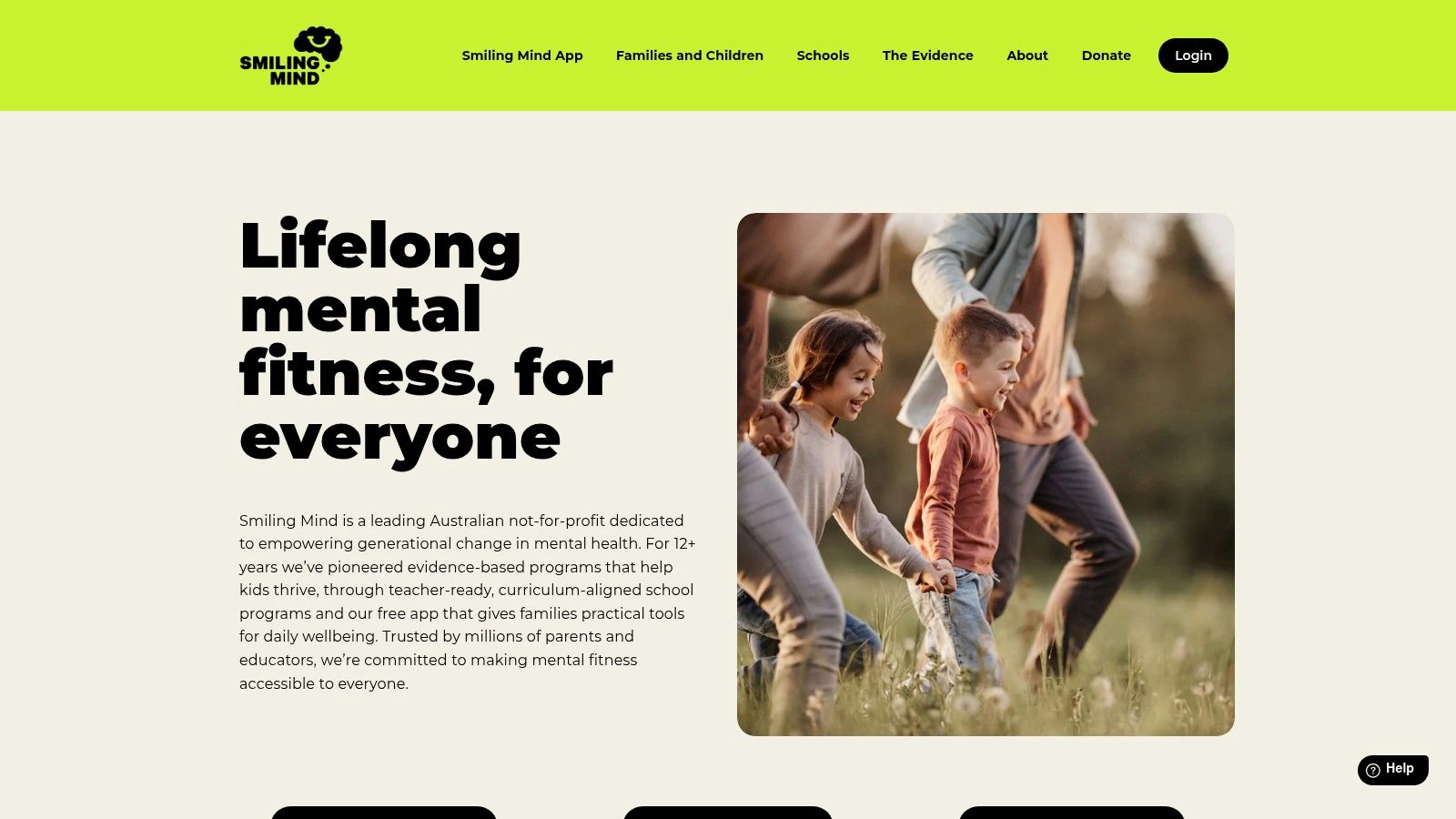
Unlike commercial competitors, Smiling Mind's primary goal is education and well-being, not profit. This mission is reflected in its high-quality, research-backed content, which includes over 700 guided sessions. For parents and educators, its tailored programs for classroom and family use are particularly valuable, offering a practical way to integrate mindfulness into daily routines. This focus on accessibility makes it one of the best mindfulness apps for teens available today.
Key Features & Educational Focus
Smiling Mind’s strength lies in its structured, educational framework. The app provides curated collections for different needs, such as Sleep, Relationships, and Exam Stress, allowing teens to find relevant support easily. Each program is designed to build skills progressively, starting with foundational concepts and moving to more advanced practices. The app’s simple, calm interface avoids the distracting gamification common in other apps, keeping the focus squarely on the mindfulness exercises.
Pros & Cons:
- Pros: Entirely free with no ads or subscriptions, providing equitable access. Content is evidence-based and created by mental health professionals.
- Cons: As an Australian-developed app, some voiceovers and references may have a noticeable accent. It lacks the entertainment or gamified features that some teens might prefer.
Website: https://www.smilingmind.com.au
7. UCLA Mindful (UCLA Health/MARC)
For teens interested in the science behind mindfulness, or for those who prefer a no-frills, research-backed approach, the UCLA Mindful app is an excellent resource. Developed by the UCLA Mindful Awareness Research Center (MARC), this app provides straightforward, evidence-based practices without any distracting features or subscription fees. It’s an ideal choice for older teens, school wellness programs, or anyone seeking credible, secular mindfulness instruction from a trusted academic institution.
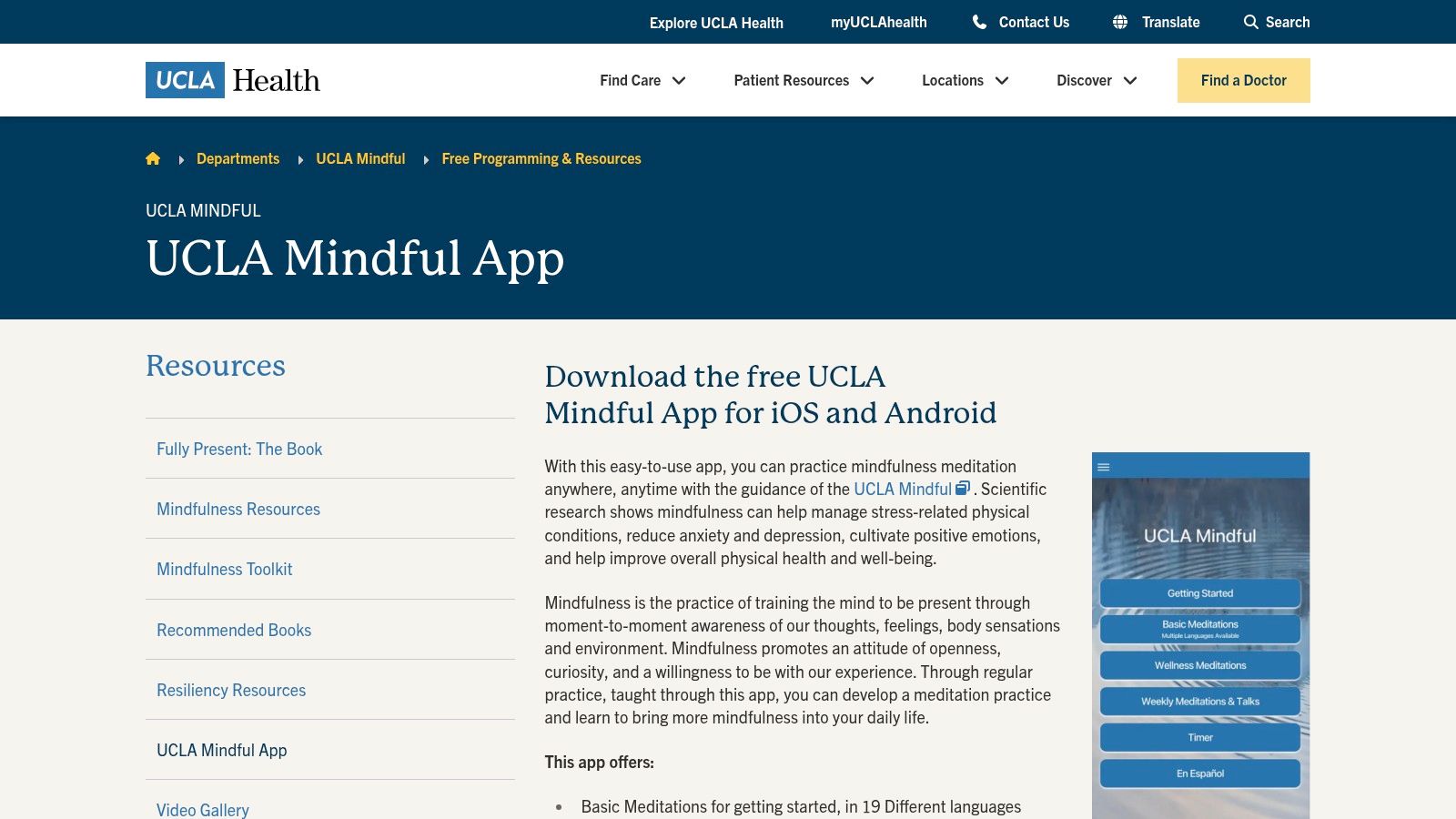
The app offers a curated library of guided meditations for different purposes, including managing difficult emotions and cultivating positive mindsets. It also features weekly 30-minute recorded meditations from UCLA’s Hammer Museum series, giving teens access to fresh content. The interface is simple and functional, prioritizing easy access to the practices over slick design, which can be a welcome change from more commercialized mindfulness apps for teens.
Key Features & Academic Approach
UCLA Mindful stands out because it is completely free and ad-free, removing any financial barriers or commercial distractions. Its content is directly rooted in scientific research, ensuring that the techniques are both safe and effective. Key features include basic guided meditations in English and Spanish, wellness meditations for specific health conditions, and a simple timer for self-guided practice. Its academic, non-commercial nature makes it a reliable and trustworthy tool for developing a foundational mindfulness practice.
Pros & Cons:
- Pros: Completely free with no ads or in-app purchases. Content is credible and research-based from a leading university. Simple, uncluttered interface focuses purely on practice.
- Cons: The content library is much smaller than commercial apps like Calm or Headspace. The interface is utilitarian and lacks the engaging, gamified elements some teens might prefer.
Website: https://www.uclahealth.org/programs/marc/free-guided-meditations/ucla-mindful-app
8. Healthy Minds Program (Healthy Minds Innovations)
For teens who are curious about the science behind mindfulness, the Healthy Minds Program offers a unique, education-first approach. Developed by neuroscientists at the Center for Healthy Minds, this completely free app is structured like a course, combining podcast-style lessons with guided meditations. It goes beyond simple relaxation, teaching teens the "why" behind the practices to build lasting emotional well-being.

The app's framework is built on four pillars of well-being: Awareness, Connection, Insight, and Purpose. Each module includes lessons explaining the neuroscience concepts followed by practical meditations to reinforce the skill. This structure makes it one of the best mindfulness apps for teens who want to understand how their brain works and actively train it. By focusing on these core skills, it helps teens cultivate resilience and develop a more positive outlook, which are key components for nurturing a growth mindset. To explore this topic further, you can learn more about developing a growth mindset here.
Key Features & Educational Approach
The Healthy Minds Program stands out because it is both a meditation tool and an educational resource. The app features assessments that allow users to track their progress across the four pillars, providing tangible feedback on their journey. Its podcast-style lessons are engaging and easy to follow, breaking down complex scientific topics into digestible insights. The app also integrates with Apple Health to log mindful minutes, helping teens see how their practice fits into their overall health routine. Its entirely free model removes any financial barriers for families.
Pros & Cons:
- Pros: Completely free with no ads or subscriptions. Science-backed, educational content is great for curious teens. Teaches foundational skills for long-term well-being.
- Cons: The tone can feel more academic than other apps. It lacks the sleep stories, music, and soundscapes found in commercial competitors.
Website: https://tryhealthyminds.org
9. Mindfulness Coach (U.S. Department of Veterans Affairs)
Developed by the U.S. Department of Veterans Affairs' National Center for PTSD, Mindfulness Coach offers a structured, self-guided program for learning mindfulness. While designed with veterans in mind, its straightforward, educational approach makes it a strong, no-cost option for teens seeking practical training without distracting gamification. Its primary advantage is its focus on privacy and evidence-based techniques, presenting a safe and credible tool for building a foundational mindfulness practice.
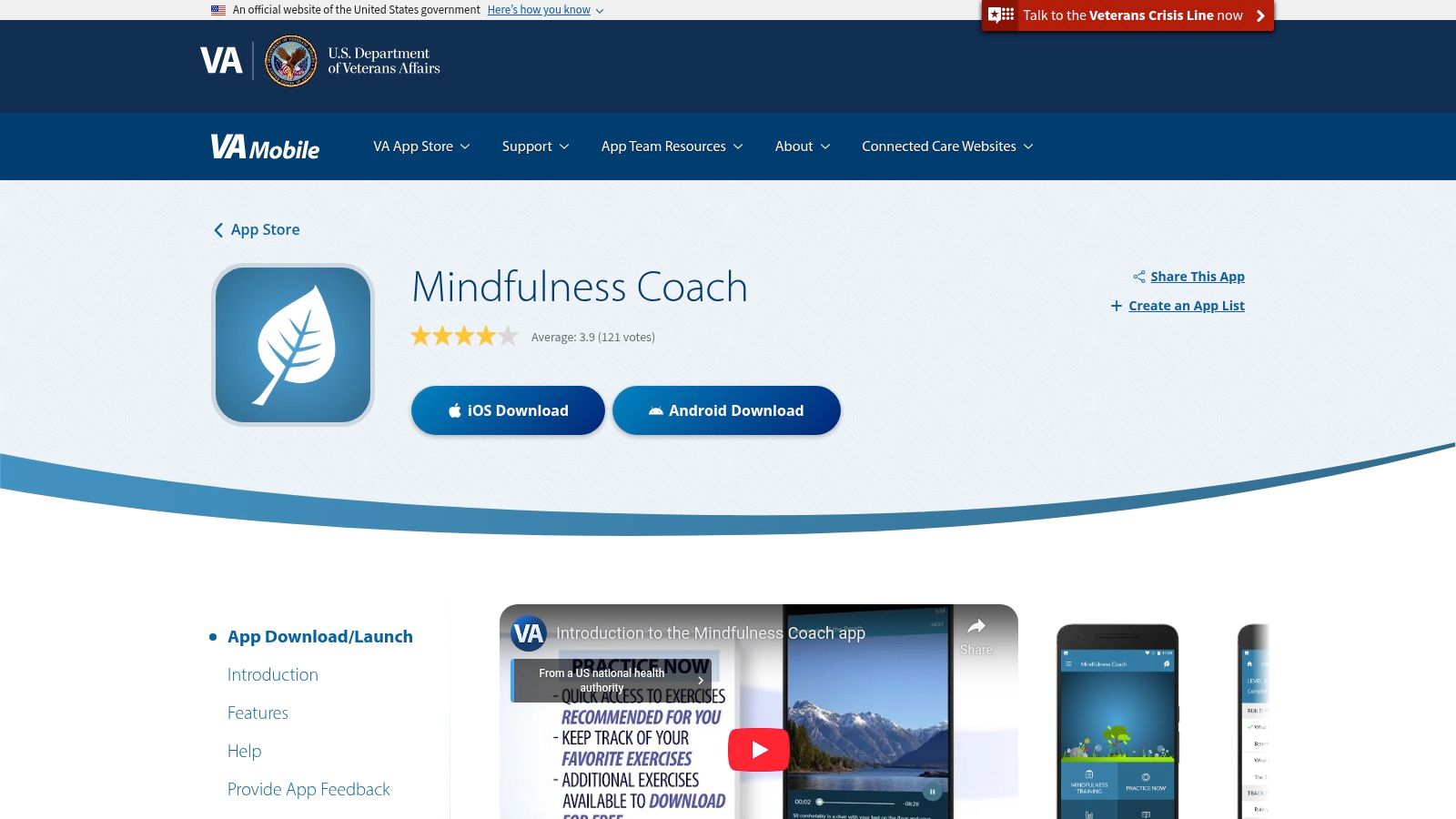
The app guides users through a series of lessons, practice exercises, and assessments to track their learning journey. Unlike many popular mindfulness apps for teens, it is completely free, contains no ads or in-app purchases, and does not require an account, ensuring a high degree of privacy. This makes it an excellent choice for families concerned about data collection or subscription costs, providing a purely educational and secure environment.
Key Features & Privacy Focus
Mindfulness Coach excels with its structured, step-by-step training program. Key features include downloadable audio exercises for offline use, progress logging to monitor skill development, and customizable reminders to encourage consistent practice. The app’s standout quality is its privacy-conscious design; since it was developed by a government agency, it avoids commercial data tracking and upselling common in other free apps. This commitment to user privacy offers significant peace of mind for parents and teens alike.
Pros & Cons:
- Pros: Completely free with no ads or in-app purchases. Credible, government-backed source with a strong privacy stance. Offers practical, step-by-step training and offline access.
- Cons: The user interface is utilitarian and may not be as engaging as commercial alternatives. Its language is sometimes geared toward adults or veterans, which might not resonate with all teens.
Website: https://mobile.va.gov/app/mindfulness-coach
10. Wysa
Wysa is an AI-guided mental health app that serves as an immediate, anonymous support tool for teens navigating emotional challenges. Instead of traditional meditation tracks, it offers an interactive AI chatbot that uses cognitive behavioral techniques to help users reframe negative thoughts. This makes it one of the most practical mindfulness apps for teens who prefer active engagement over passive listening, providing on-demand support anytime, anywhere.
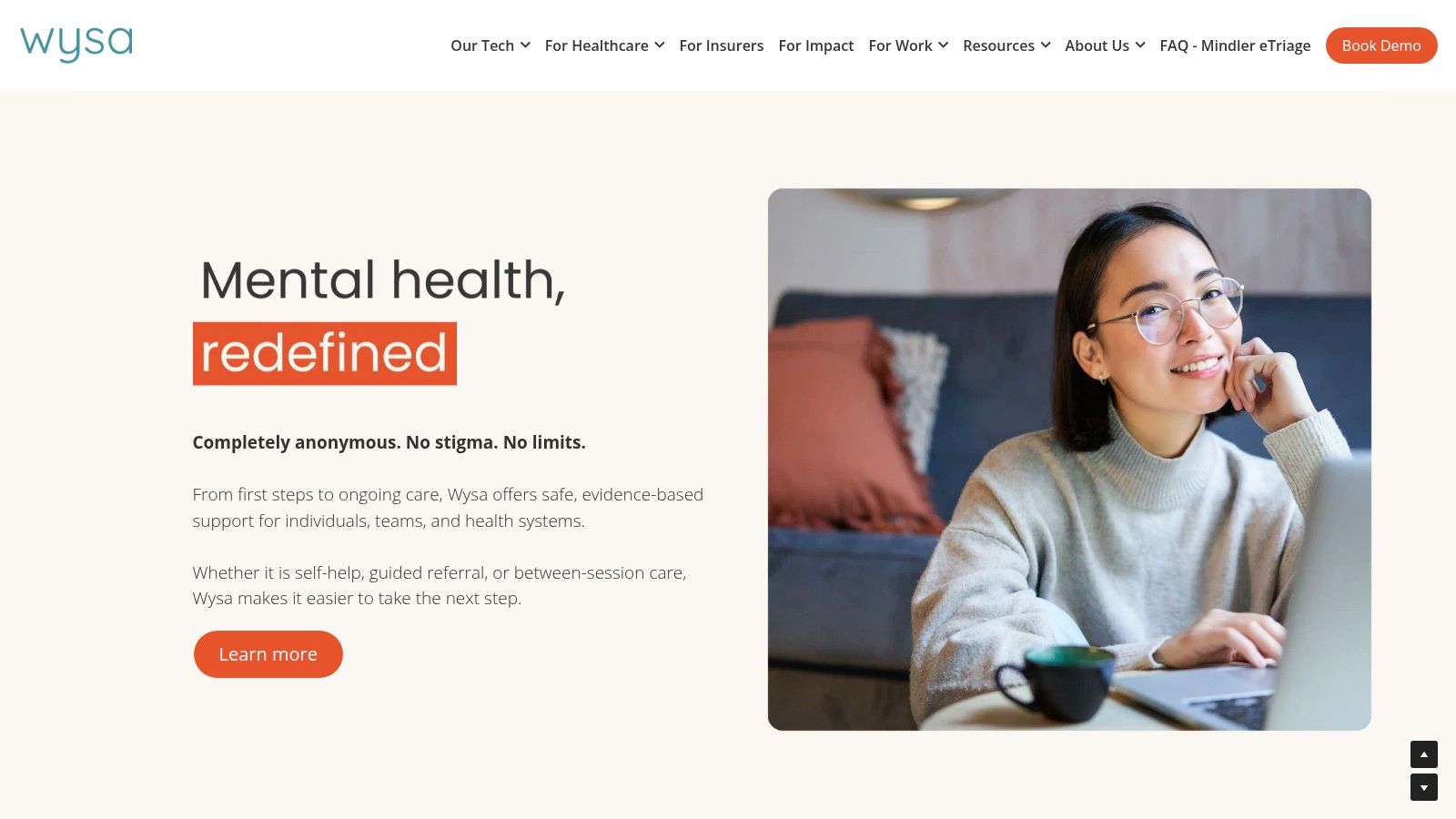
The platform is built on a privacy-by-design foundation, ensuring conversations remain anonymous and secure. While the core AI chatbot and its library of mindfulness and breathing exercises are free, Wysa also offers paid access to human coaches for those needing more structured support. For users aged 13-17, explicit parent or guardian consent is required to use the app, ensuring a layer of safety and oversight. This model provides a valuable bridge between self-help tools and professional guidance.
Key Features & Parental Controls
Wysa’s standout feature is its AI Chatbot, which provides empathetic, just-in-time support and guides teens through evidence-based exercises. The app also includes a curated toolkit of mindfulness, breathing, and grounding exercises designed for quick relief from stress or anxiety. While Wysa doesn't have traditional parental controls like screen time limits, its guardian consent requirement for minors is a critical safety measure. This process ensures parents are aware of and approve their teen's use of the app. This approach can be a great way to open up dialogue and is an important part of effective parenting strategies for teenage boys and girls.
Pros & Cons:
- Pros: Anonymous AI chat provides instant support without judgment. Available on both iOS and Android. Free core features offer significant value.
- Cons: Access to human coaching requires a paid subscription. The mandatory parental consent for minors might be a barrier for some teens.
Website: https://www.wysa.com
11. MindShift CBT
MindShift CBT is a practical and free toolkit designed to help teens and young adults manage anxiety using Cognitive Behavioral Therapy (CBT) principles. Originally developed by Anxiety Canada, it offers a science-backed approach to understanding and challenging anxious thoughts. Instead of just providing passive meditations, the app actively engages teens with tools to reframe negative thinking patterns, making it a powerful resource for tackling school stress, social anxiety, and perfectionism.
The app's real strength lies in its youth-friendly language and structured exercises. It guides users through identifying triggers, challenging unhelpful beliefs, and setting small, achievable goals. The "Thought Journal," "Coping Cards," and relaxation audio guides provide immediate, in-the-moment support. While its operational stewardship has transitioned from Anxiety Canada to a new operator, its core mission to provide accessible mental health tools remains, positioning it as an excellent starting point among mindfulness apps for teens.
Key Features & Parental Controls
MindShift CBT excels at teaching practical, lifelong skills rather than just offering temporary relief. Its features are built around core CBT concepts that are easy for teens to grasp and apply.
- CBT-Based Tools: Includes a "Thought Journal" for identifying and challenging negative thoughts, "Coping Cards" with helpful mantras, and belief experiments to test anxious predictions.
- Chill Zone: Offers guided relaxation, mindfulness audio exercises, and breathing techniques to calm the body and mind during moments of high stress.
- Goal Setting: Users can set and track small, manageable goals to build confidence and gradually face situations that cause anxiety.
The app does not contain specific parental controls, as it is designed to be a self-help tool. Parents can support their teens by discussing the concepts and encouraging consistent use.
Pros & Cons:
- Pros: Completely free to use, offering powerful CBT tools without a subscription. The youth-friendly interface makes complex psychological concepts accessible and practical for teens.
- Cons: The app's operational transition may affect the frequency of updates or support. Users should verify the current status and reviews in their app store.
Website: https://www.anxietycanada.com/articles/mindshiftcbt/
12. Common Sense Media
For parents and educators navigating the crowded market of mindfulness apps for teens, Common Sense Media serves as an essential, independent guide. It is not an app store but a nonprofit organization that provides detailed, age-based reviews and ratings for digital content. Its purpose is to help families make informed decisions by offering unbiased analysis on an app's suitability, privacy practices, and true costs before a teen ever hits "download."
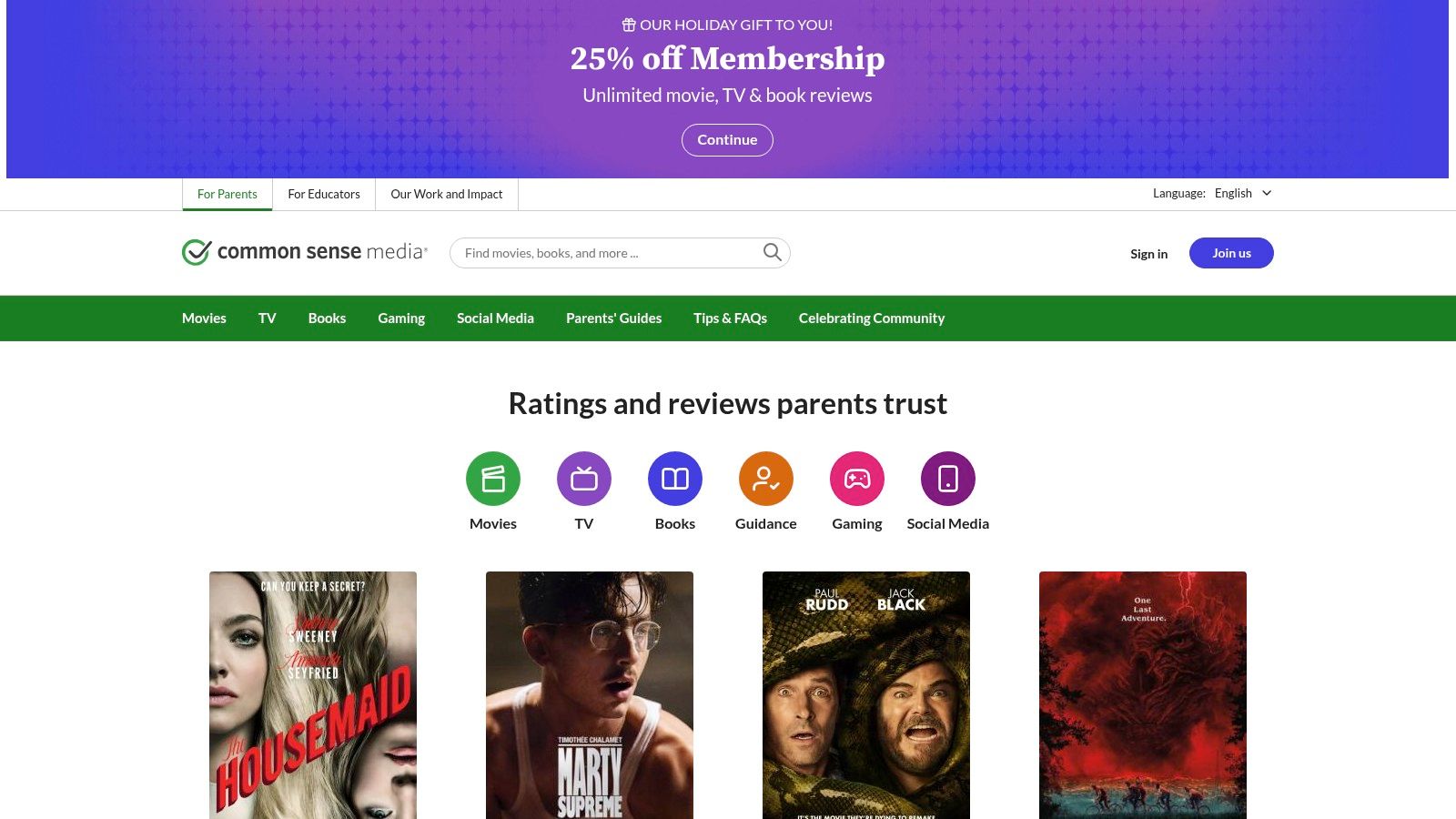
The platform cuts through marketing jargon, providing a "what parents need to know" section for each app. This includes highlighting potential pitfalls like aggressive in-app purchases or confusing free trials that quickly become expensive subscriptions. By focusing on learning potential, positive messages, and ease of use from a developmental perspective, it empowers parents to choose tools that genuinely support their teen's mental well-being. The reviews often serve as a great starting point for family conversations about digital wellness and responsible technology use.
Key Features & Parental Controls
Common Sense Media excels at providing a layer of critical evaluation that app stores themselves do not offer. Its reviews feature clear age recommendations (e.g., "OK for ages 13+") and detailed privacy evaluations that explain what data an app collects and how it is used. This is crucial for parents concerned about their teen's digital footprint. It also offers specific tips for integrating apps into a school curriculum, making it a valuable resource for educators. You can discover more about top-rated tools for well-being by reading about the leading mental health apps. This trusted, nonprofit perspective is what makes it a standout resource.
Pros & Cons:
- Pros: Trusted nonprofit perspective helps families compare options objectively. Quickly flags issues like free trials versus real paywalls and privacy concerns.
- Cons: Not a marketplace, so you are directed to other sites to download or buy. The depth of coverage can vary between popular and lesser-known apps.
Website: https://www.commonsensemedia.org
Comparison of Top Mindfulness Apps for Teens
To help you decide at a glance, this table compares the key features of our top-rated apps.
| App | Best For | Pricing Model | Standout Feature |
|---|---|---|---|
| Headspace | Beginners | Subscription (Free for US teens) | Polished, guided courses |
| Calm | Sleep & Anxiety | Subscription | Extensive Sleep Stories library |
| Smiling Mind | Schools & Families | 100% Free | Evidence-based, nonprofit |
| Insight Timer | Variety Seekers | Freemium | Massive free content library |
| MindShift CBT | Anxiety Management | 100% Free | Practical CBT tools |
| Wysa | In-the-moment support | Freemium | Anonymous AI chatbot |
Real-Life Scenario: Choosing an App for Exam Stress
Let's consider a common situation: 16-year-old Maya is feeling overwhelmed by upcoming final exams. She's having trouble focusing while studying and can't fall asleep at night.
- Initial Thought: Her mom suggests meditation. Maya is skeptical and thinks it sounds boring.
- The Search: Her mom uses this guide and considers a few options.
- Calm seems perfect for Maya’s sleep issues because of its Sleep Stories. The focus music could also help her study.
- MindShift CBT looks good for tackling the root of her test anxiety with its thought-challenging exercises.
- Smiling Mind is a great, no-risk starting point since it's completely free and has a dedicated "Exam Stress" program.
- The Conversation: Maya's mom shows her the options. Maya likes that Calm has stories read by famous actors and agrees to try the free trial. She also downloads Smiling Mind to try the short, 5-minute pre-study sessions.
- The Result: Maya uses a Calm Sleep Story to fall asleep the night before a big exam. During study breaks, she does a quick "Mindful Breathing" exercise on Smiling Mind. The combination helps her feel more in control and less overwhelmed. This practical application shows how different apps can serve different needs, even for the same person.
Empowering Teens with Tools for a Balanced Life
Navigating the landscape of adolescence in a digitally saturated world presents unique challenges. The pressure to succeed, maintain social connections, and simply figure out who they are can feel overwhelming. As we've explored, the digital tools that are often a source of stress can also be a profound source of support. The journey to finding the best mindfulness apps for teens is not about finding a single "perfect" solution, but about discovering the right key to unlock a specific door for your child's needs.
This guide has walked you through a curated selection of applications, from the structured, teen-specific programs of Headspace and Calm to the vast, free libraries of Insight Timer and Smiling Mind. We've highlighted how apps like MindShift CBT and Wysa provide targeted support for anxiety, while others like the Healthy Minds Program offer a science-backed framework for building holistic well-being. The key takeaway is that choice empowers. By understanding the unique strengths of each app, you can guide your teen toward a tool that resonates with their personality and current challenges.
Making the Right Choice: A Practical Framework
Choosing an app is a collaborative process. What works for one teen may not appeal to another. To move forward effectively, consider this a starting point for a conversation, not a final prescription.
Here’s a simplified approach to guide your decision:
- For the Skeptical or Beginner Teen: Start with an app that feels less like a formal "meditation" tool and more like a simple habit-builder. Smiling Mind is excellent here, with its short, accessible exercises and completely free model, removing any financial barrier. Headspace also excels with its engaging animations and teen-specific content that feels modern and relatable.
- For the Teen Struggling with Anxiety or Overwhelm: Apps with structured, evidence-based programs are ideal. MindShift CBT is a powerful, free tool that introduces cognitive behavioral therapy concepts in a practical way. Wysa provides an immediate, non-judgmental space to offload thoughts with its AI chatbot, which can be a crucial first step for teens hesitant to talk.
- For the Teen Needing Better Sleep or Focus: The targeted content in Calm is unparalleled, with its vast library of Sleep Stories and focus music. This is perfect for teens who need help winding down at night or creating a distraction-free study environment.
- For the Budget-Conscious Family: You do not need to spend money to access high-quality resources. Smiling Mind, UCLA Mindful, Mindfulness Coach, and MindShift CBT are all completely free and backed by reputable non-profits or government institutions, ensuring quality without a subscription.
Fostering a Lasting Habit
Simply downloading an app is not enough; integration is key. The most important factor in success is creating an environment where using these tools feels normal and supported, not like a chore or a punishment.
Discuss privacy together, reviewing the settings within the app and on the device. Frame the use of a mindfulness app as a proactive tool for strength and resilience, much like practicing a sport or instrument. Encourage your teen to explore different teachers, styles, and session lengths to find what they genuinely enjoy. The goal isn't to force a specific outcome but to equip them with a diverse toolkit for self-regulation and emotional awareness that they can carry with them long after the screen is off. By embracing these mindfulness apps for teens, you are investing in their long-term well-being, helping them build a foundation of resilience to navigate life's inevitable ups and downs with greater balance and clarity.
Frequently Asked Questions (FAQ)
1. Are mindfulness apps safe for teens?
Yes, most reputable mindfulness apps are safe. Look for apps developed by psychologists, mental health organizations (like Smiling Mind), or academic institutions (like UCLA Mindful). Always review the privacy policy and use parental controls to manage in-app purchases and screen time. Resources like Common Sense Media provide excellent safety and privacy ratings.
2. Can a mindfulness app replace therapy?
No. Mindfulness apps are excellent support tools for managing everyday stress, improving focus, and building emotional resilience. They are not a substitute for professional therapy or treatment for serious mental health conditions. If your teen is struggling significantly, please consult a qualified mental health professional.
3. My teen thinks meditation is boring. How can I get them to try an app?
Start with an app that doesn't feel like "meditation." Apps like Headspace use engaging animations, while Calm offers Sleep Stories narrated by celebrities. Wysa's chatbot format feels like texting. Frame it as a tool for a specific problem, like "let's try this to help you fall asleep before your big game" rather than "you need to meditate."
4. How much do these apps cost?
Pricing varies widely. Some of the best apps, like Smiling Mind, UCLA Mindful, and MindShift CBT, are completely free. Others like Headspace and Calm operate on a subscription model (freemium), offering a limited amount of free content with full access requiring a monthly or annual fee. Always check for family or student plans, which can offer significant discounts.
5. How do I know if the app is actually working for my teen?
Look for changes in behavior rather than asking for a progress report. Is your teen seeming a bit calmer before exams? Are they falling asleep more easily? The goal is self-regulation, so success is often subtle. You can open a conversation by asking, "I noticed you used that app before bed, did you find it helpful?" rather than "Did you do your meditation?"
6. What's the difference between mindfulness and meditation?
Meditation is a specific practice you do (like sitting and focusing on your breath), while mindfulness is the quality of awareness you cultivate from that practice. Mindfulness is about paying attention to the present moment without judgment, a skill you can apply anytime, anywhere—not just when using an app.
7. Are there any apps that don't require a smartphone?
Most of these apps have web-based versions. For example, Calm and Headspace have robust websites where teens can access all the content on a laptop or Chromebook, reducing the need for a phone and minimizing distractions from notifications.
8. How can I manage my teen's screen time if they're using a mindfulness app?
Use your device's built-in screen time controls (like Apple's Screen Time or Google's Family Link). You can allow specific apps like Headspace or Calm while setting limits on social media or games. This sends the message that not all screen time is equal and that you support using devices for mental well-being.
9. My teen deals with social anxiety. Which app is best for that?
MindShift CBT is an excellent choice as it is specifically designed to help users challenge anxious thoughts using Cognitive Behavioral Therapy. Wysa can also be very effective, as its anonymous AI chatbot provides a non-judgmental space for a teen to talk through social fears in the moment they arise.
10. What if my teen tries an app and doesn't like it?
That's completely normal! The key is finding the right fit. If they don't connect with the instructor's voice in one app, try another. Insight Timer is great for this, as it has thousands of different teachers and styles. Encourage experimentation and treat it as a journey of discovery, not a pass/fail test.
For parents and families looking to build a more mindful and connected home environment beyond the screen, Everyday Next offers practical guides and resources on everything from digital wellness to fostering healthy family dynamics. Explore our curated content to find actionable strategies that support your teen's journey to a balanced life. Discover your next step at Everyday Next.
Previous Post
Next Post